How it works

Four steps from “we should do something” to a room full of love.

A Get Well Soon Room is one link everyone can add to. Here's what happens at each step, and who does what.
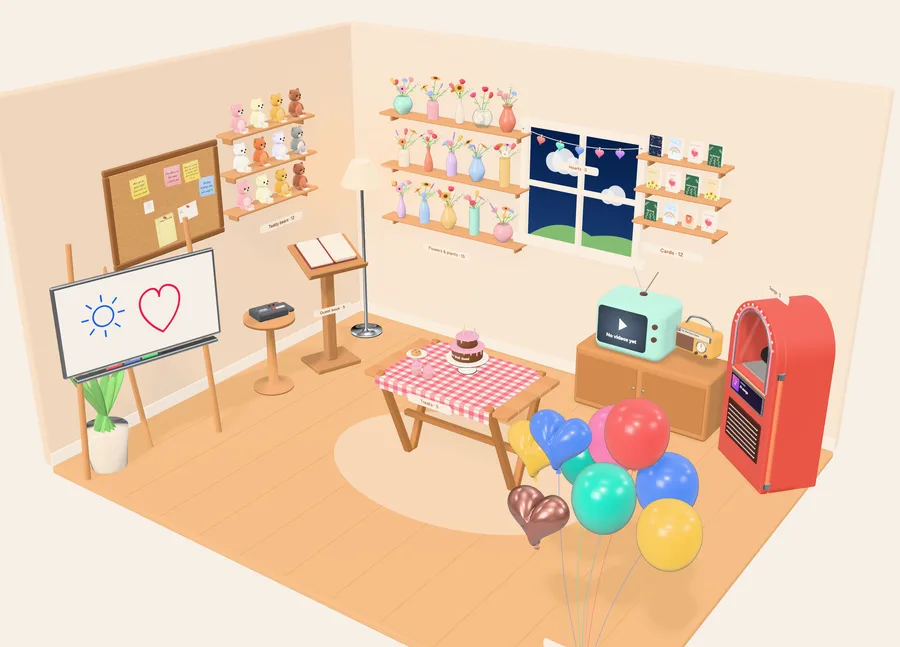
An empty room ready to be filled
01

Create the room

Tell us who it's for and what they're going through. Pick a look that suits them, or your own colors, and write a short note to the people you'll invite.
Their name and the occasion: surgery, illness, an injury, and more A ready-made theme or your own colors A message that tells contributors what it's for An optional reveal time, so it sends itself
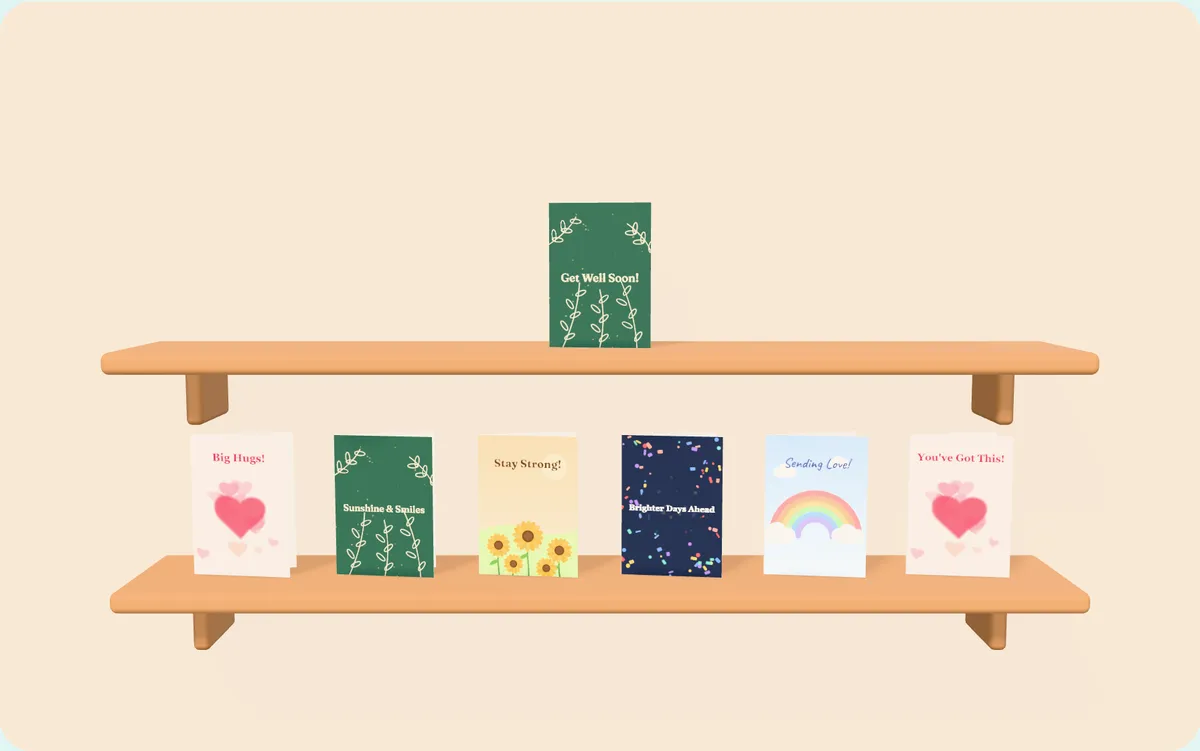
Cards on a shelf from different people
02

Invite everyone

Send the link by text, email, or group chat, or invite people by email from the room. Contributors don't need an account for a normal room.
Invite by email while you set up, or anytime after Share the link anywhere people talk See who has added something, and send reminders
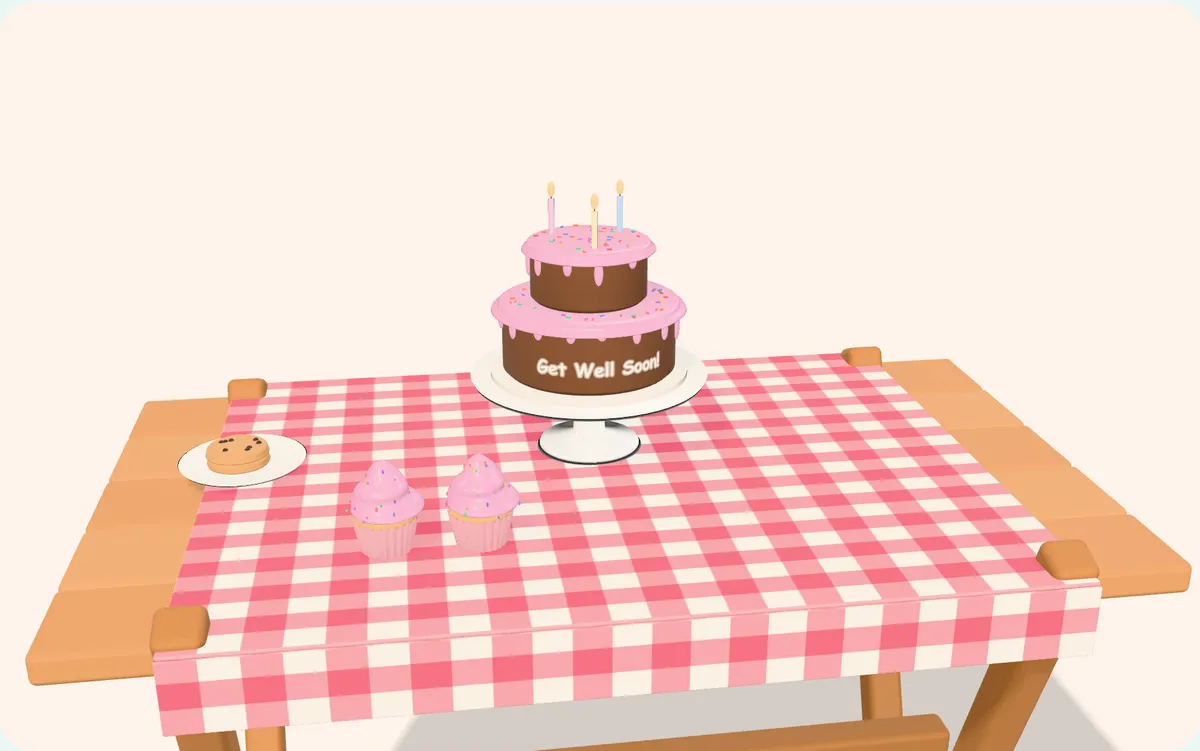
A table of treats made by contributors
03

Everyone adds something

People pick how they want to say it. A balloon takes a minute; a bear, a song, or a corkboard of photos takes a little longer. All twelve are switched on, and you can turn off any you don't want.
Cards, flowers and plants, balloons, teddy bears, and treats Photos, voice memos, and videos A song dedication, or an original song about them on paid plans A whiteboard, a clothesline of hearts, and a guest book Decorations for the room, from string lights to a sleeping cat
Try each one
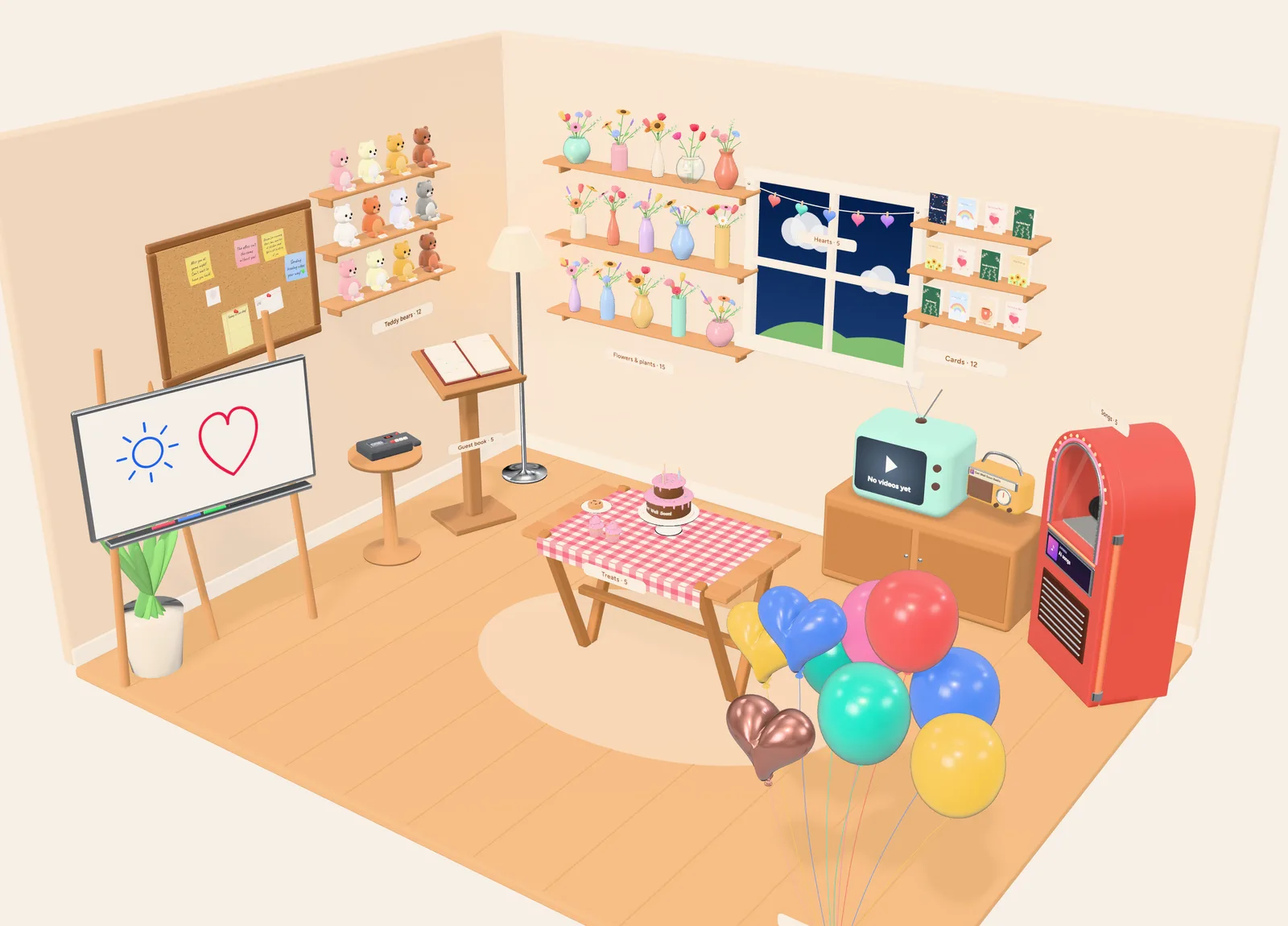
A finished room full of gifts
04

The reveal

When it's full, send it, or let the scheduled reveal do it. They open one link and walk into a room with everything everyone made, and they can come back to it whenever they need a lift.

Automatic: set a date and time and it sends itself Manual: send the reveal email with one click Forever: the room stays online with no expiry date
Walk around a sample room
Room for more people

Start free. Anyone can chip in to make it bigger.

Any contributor can upgrade the room, and everyone who already added something hears that it just got bigger. No subscriptions, ever.

Free
$0
Free, no card needed
  • Up to 5 contributors
  • All 12 modules
  • Share by link or email invitation
  • 15 announcement emails
  • No expiry date
Start free
Gathering
$4.99
One-time payment
  • Up to 10 contributors
  • All 12 modules
  • 1 AI song
  • 30 announcement emails
  • No expiry date
Start with Gathering
Popular
Community
$9.99
One-time payment
  • Up to 20 contributors
  • All 12 modules
  • 3 AI songs
  • 60 announcement emails
  • No expiry date
Start with Community
Unlimited
$19.99
One-time payment
  • Unlimited contributors
  • All 12 modules
  • 10 AI songs
  • 500 announcement emails
  • No expiry date
Start with Unlimited
Questions

Frequently Asked Questions

Everything you need to know about Get Well Soon Rooms. Still stuck? Ask us.

Can I really use this for free?
Yes! Create a room with up to 5 contributors completely free. No credit card required, no time limits. Your room is hosted at no cost with no expiry date. You can create as many rooms as you like. Only pay if you need more contributor slots or AI songs.
Is this a subscription?
No, never. All payments are one-time only. Pay once and that's it. No recurring charges, no monthly fees, no annual renewals, no surprises. We don't even store your card for future billing.
What happens when I reach my contributor limit?
New contributors won't be able to add messages until someone upgrades the room. All existing contributions are always preserved. Anyone with the room link can upgrade it at any time (they'll be asked to sign in first).
Can anyone upgrade a room, or just the creator?
Anyone! Whether you created the room, contributed to it, or just received the link, you can upgrade the room after signing in. Upgrades can only move a room up a plan. This makes it easy for colleagues or friends to chip in when a group wants more space.
How long will my room stay online?
We host your room indefinitely at no extra cost. It becomes a permanent digital keepsake that the recipient can visit anytime to read the loving messages again.
Can contributors see each other's messages?
By default, yes: contributors see each other's contributions, which makes it feel collaborative and inspires others. For a surprise, the organizer can keep contributions private until the reveal, so each contributor sees only their own.
Do contributors need to create an account?
Usually not. Anyone with the room link can add messages, drawings, and other content without signing up. The exception is a room with a scheduled reveal: it stays private to invited people until then, and they sign in to join.
What can contributors add?
Lots! Every room comes with all the modules switched on, so contributors can create greeting cards, draw on whiteboards, send virtual flowers, record voice messages, build teddy bears, and much more. Each module offers a unique creative experience.
Can I delete or edit contributions?
Yes. Room owners can review every contribution in one place, hide any of them (and restore them later), or require approval before anything appears. Contributors can edit or delete their own in most modules, and you can switch a whole module off from your room's manage page.
How do I control who can contribute?
You can invite specific people by email, or share the link for anyone to contribute. If you schedule a reveal, the room is limited to the people you invite until then; anyone else can request to join, and you'll get an email to approve or decline them.
What payment methods do you accept?
We accept major credit and debit cards through our secure payment processor. Any other payment methods available in your country are shown at checkout.
Can I get a refund?
No. Upgrades take effect immediately, so all purchases are final and non-refundable, except where the law requires otherwise. Please check the plan you need before you pay.
Is my data secure?
All traffic to GetWellSoon.com is encrypted (HTTPS). Payments are handled by a PCI-compliant payment processor, so we never see or store your card details. Photos and voice messages are stored on our media servers and served at unguessable addresses, so anyone you share a link to a room with can see them.

Ready to brighten someone's day?

It only takes a moment to show someone you care.

Create your room now