All Modules Overview
A module is one way to send something: a card, a balloon, a song, a voice memo. Every room has all 12, free, and every one of them also has its own place in the 3D room.

Get Well Soon Balloons
A bunch of balloons that never goes flat.
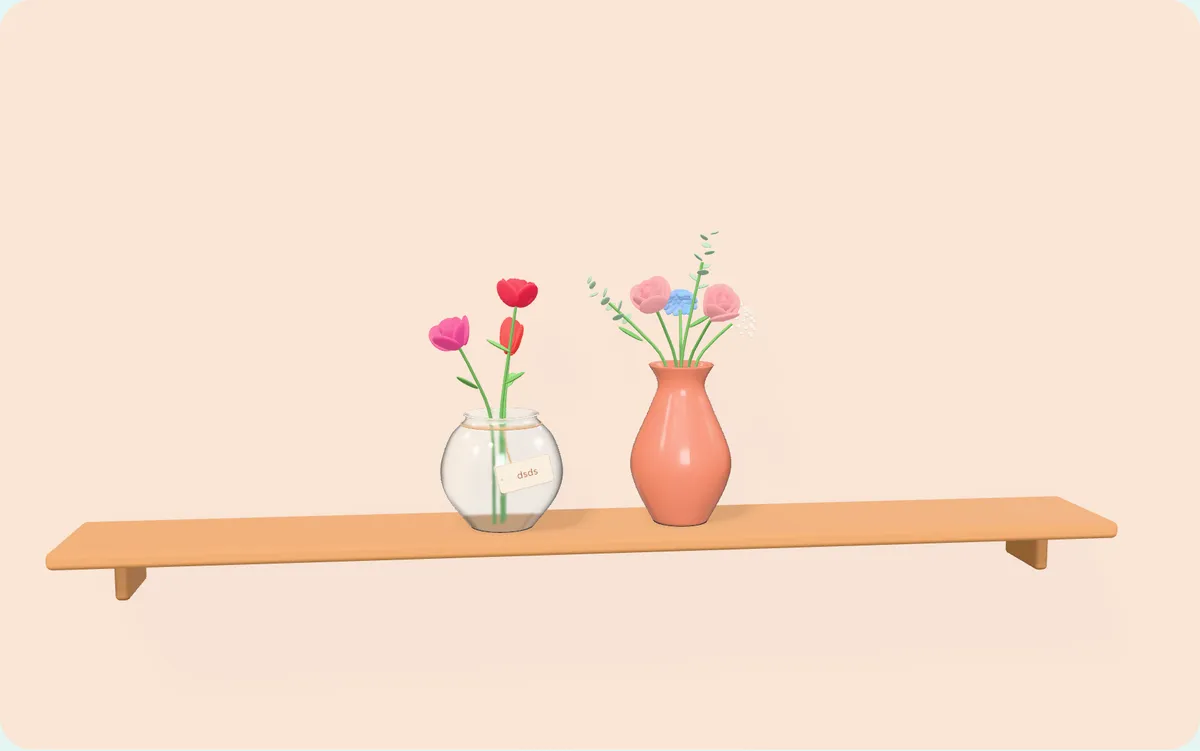
Flowers & Plants
Bouquets that stay fresh, and plants that grow.
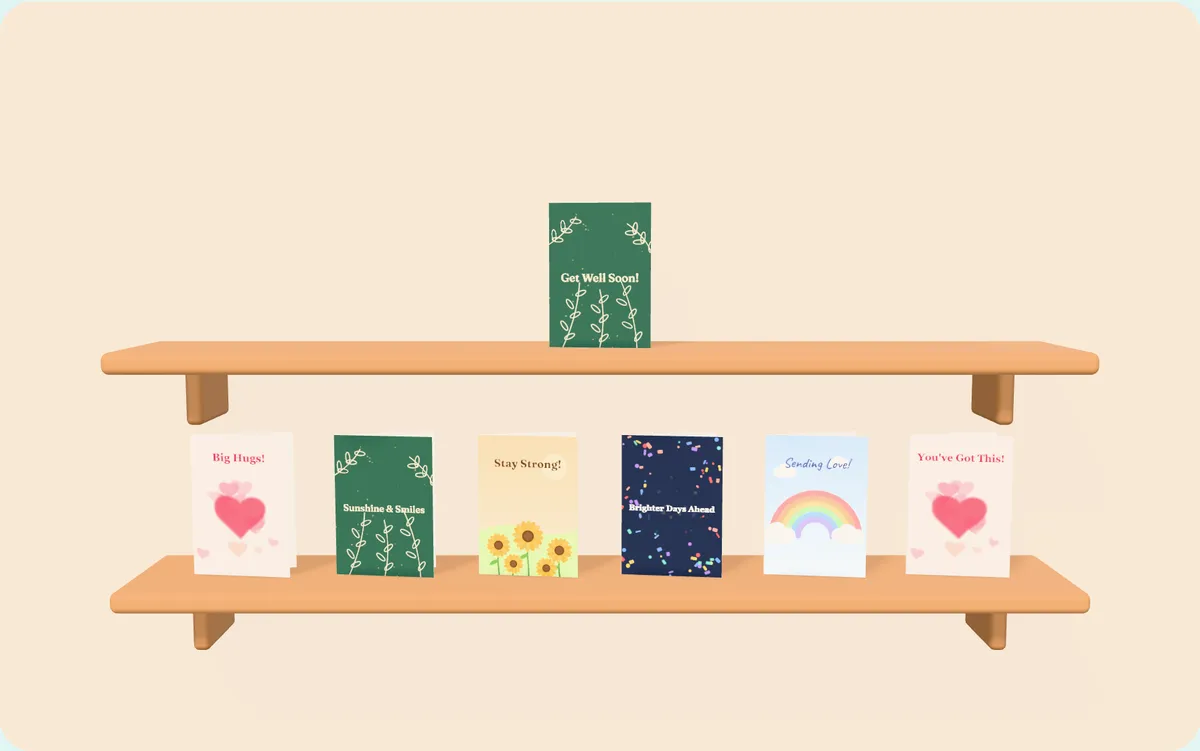
Card Shelf
Folded cards on a shelf, each one opens.
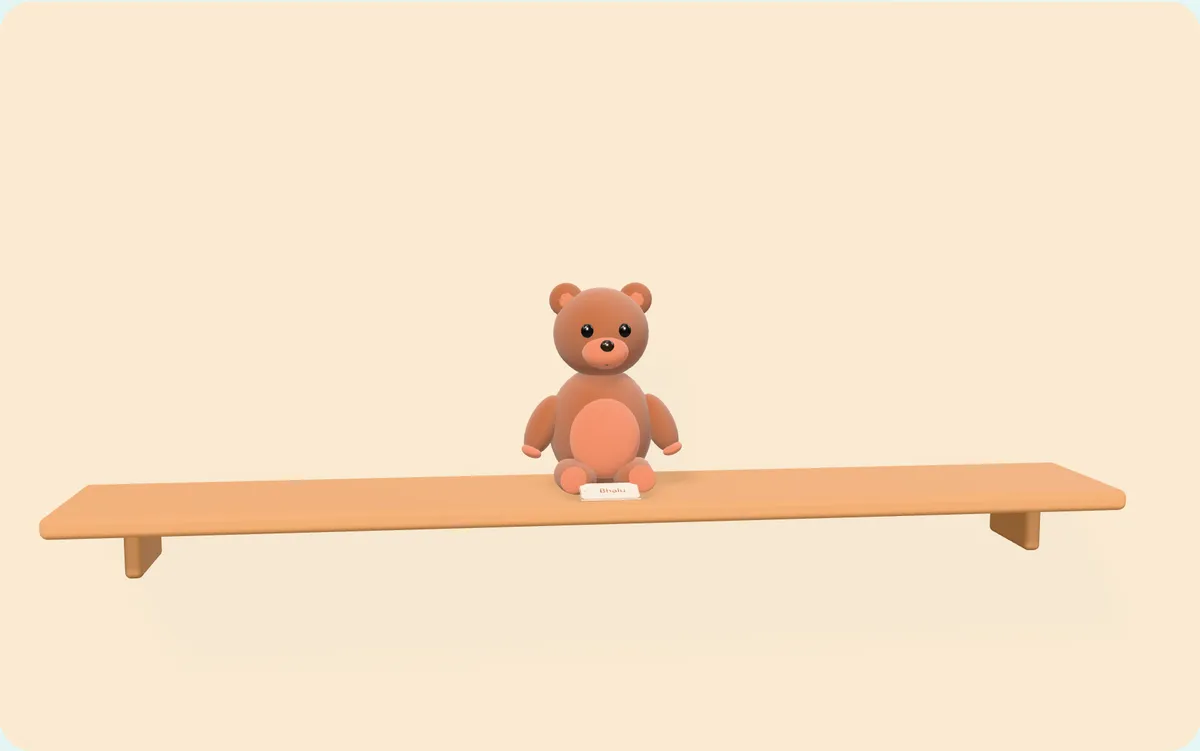
Teddy Bear Builder
Build a bear, name it, and send it a hug.
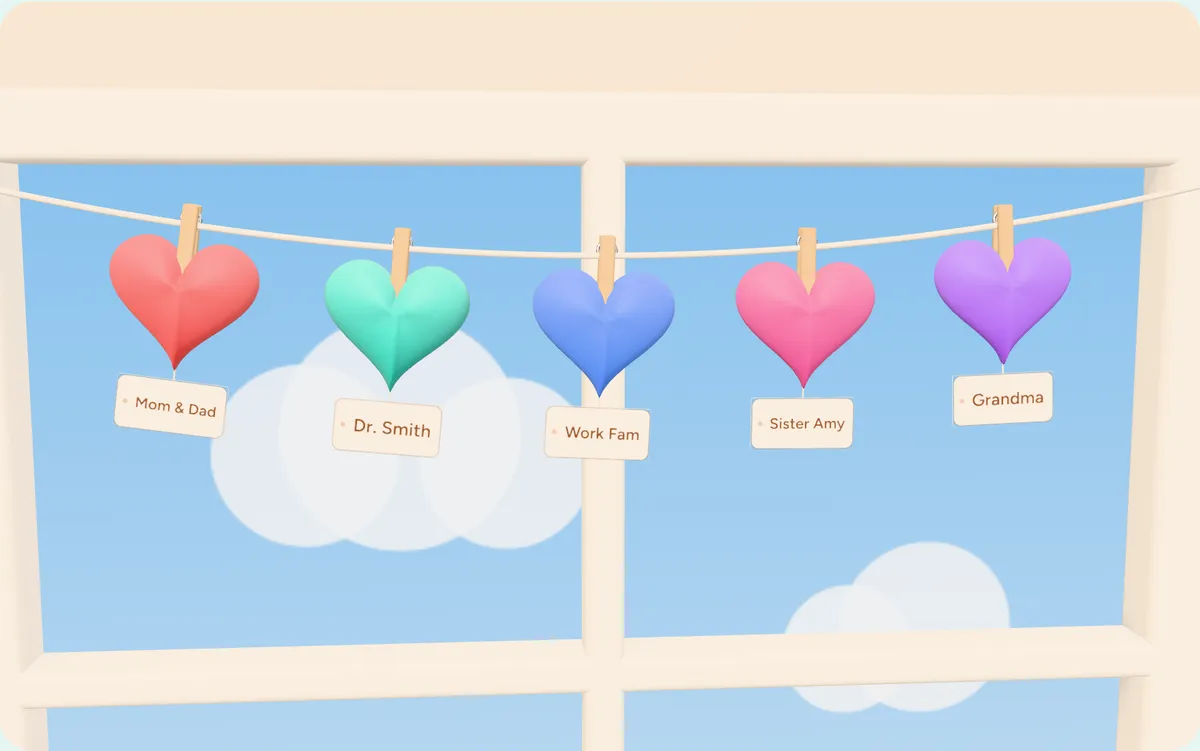
Clothesline of Hearts
Puffy hearts pegged across a sunny window.
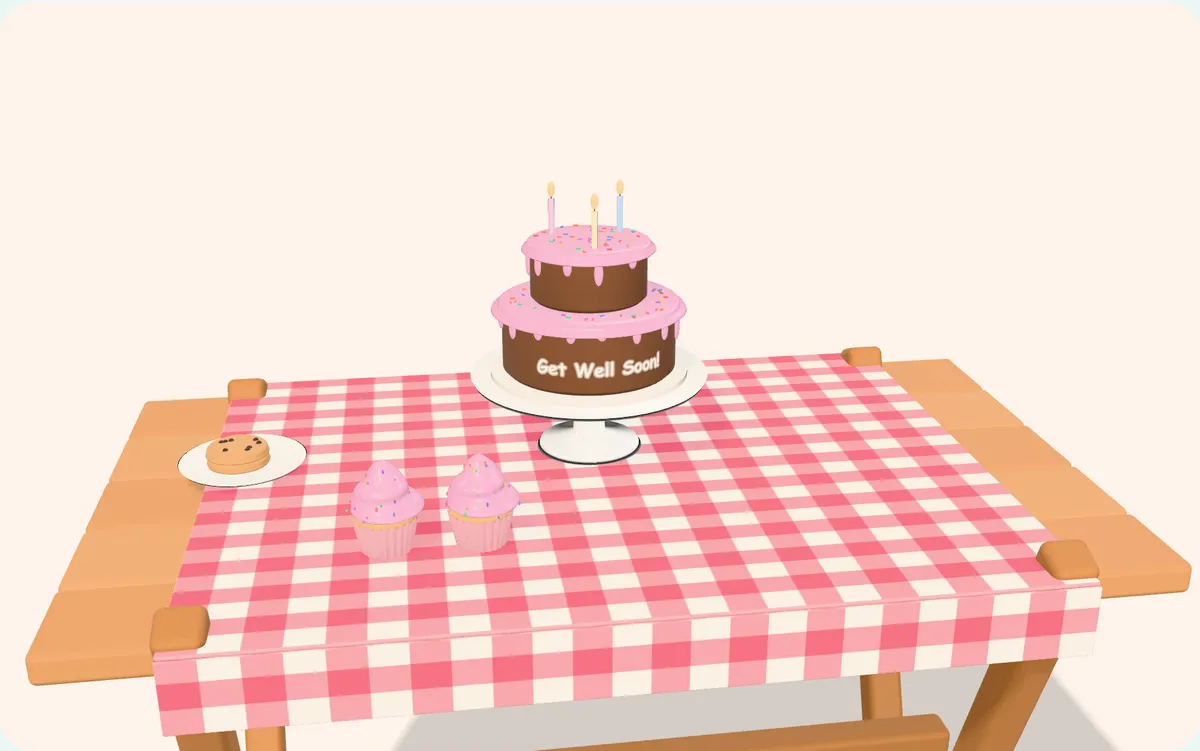
Sweet Treats Bakery
Bake a treat, then decorate the cake together.
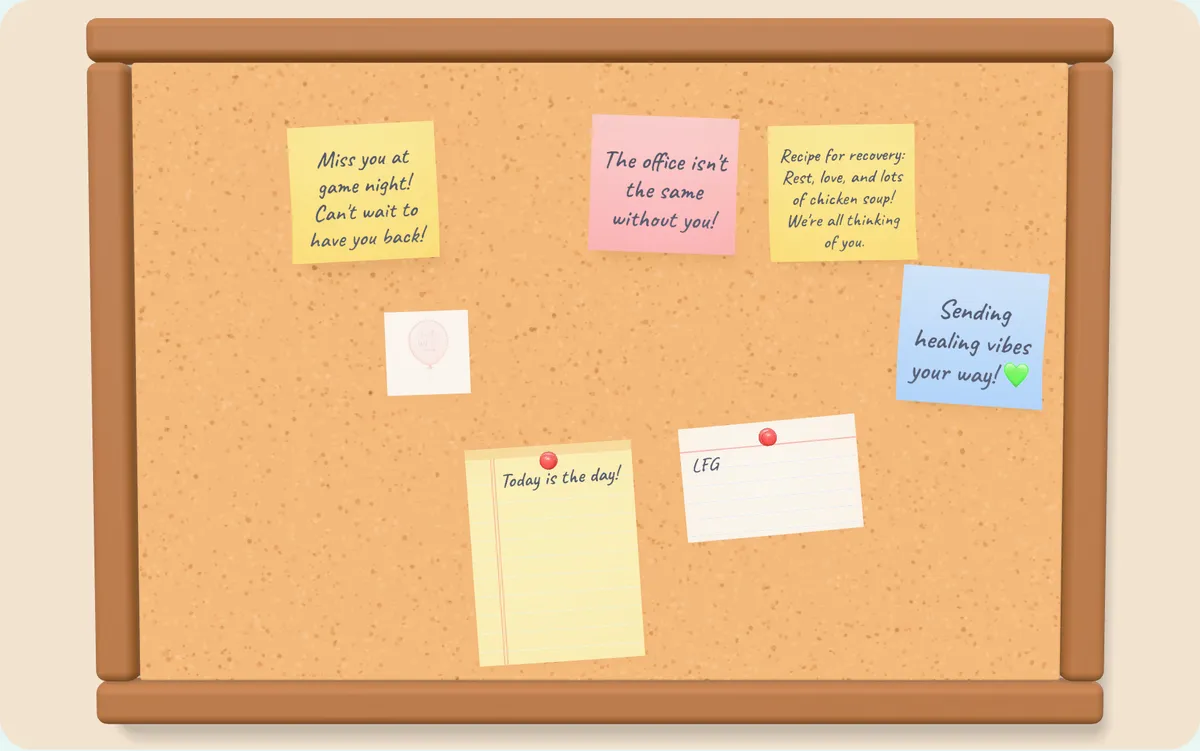
Memory Corkboard
Photos, notes, and stickers, pinned up together.
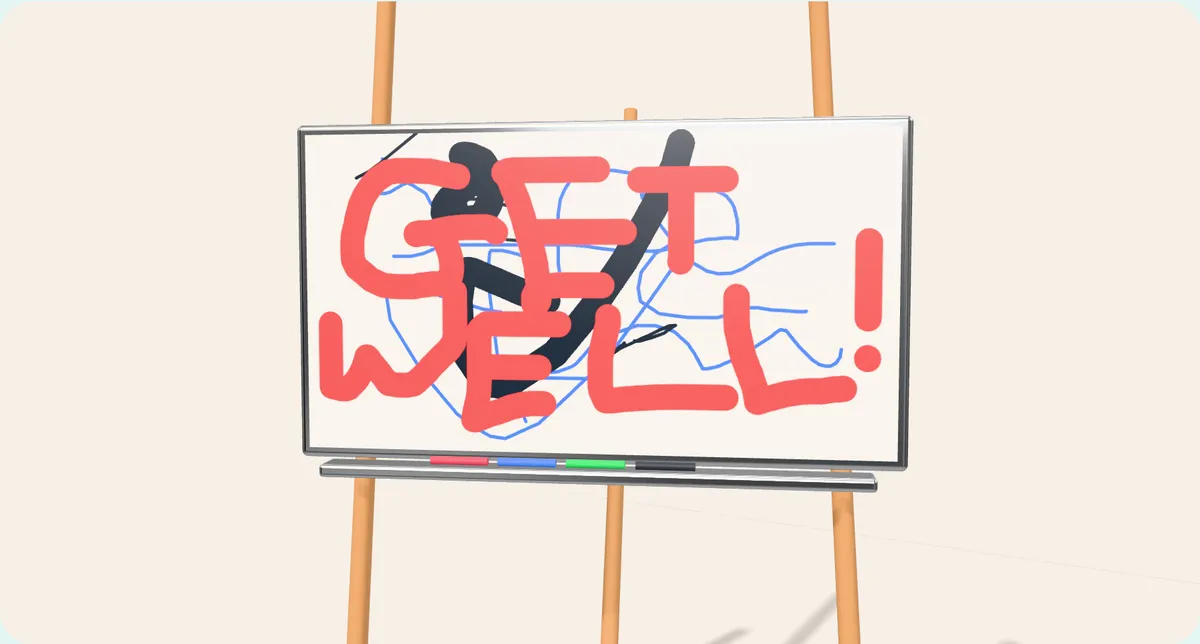
Whiteboard
One easel, drawn on by everyone.
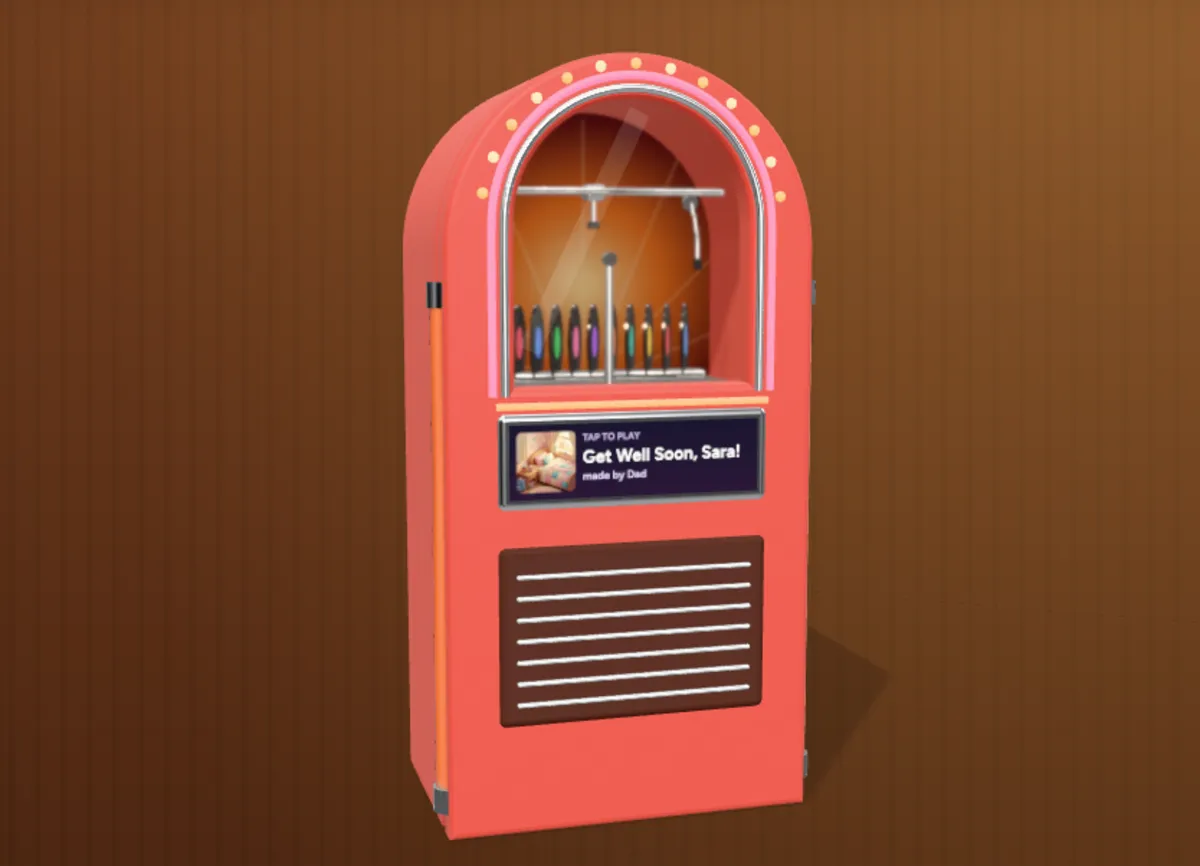
Get Well Soon Song Studio
Dedicate a song, or make one just for them.
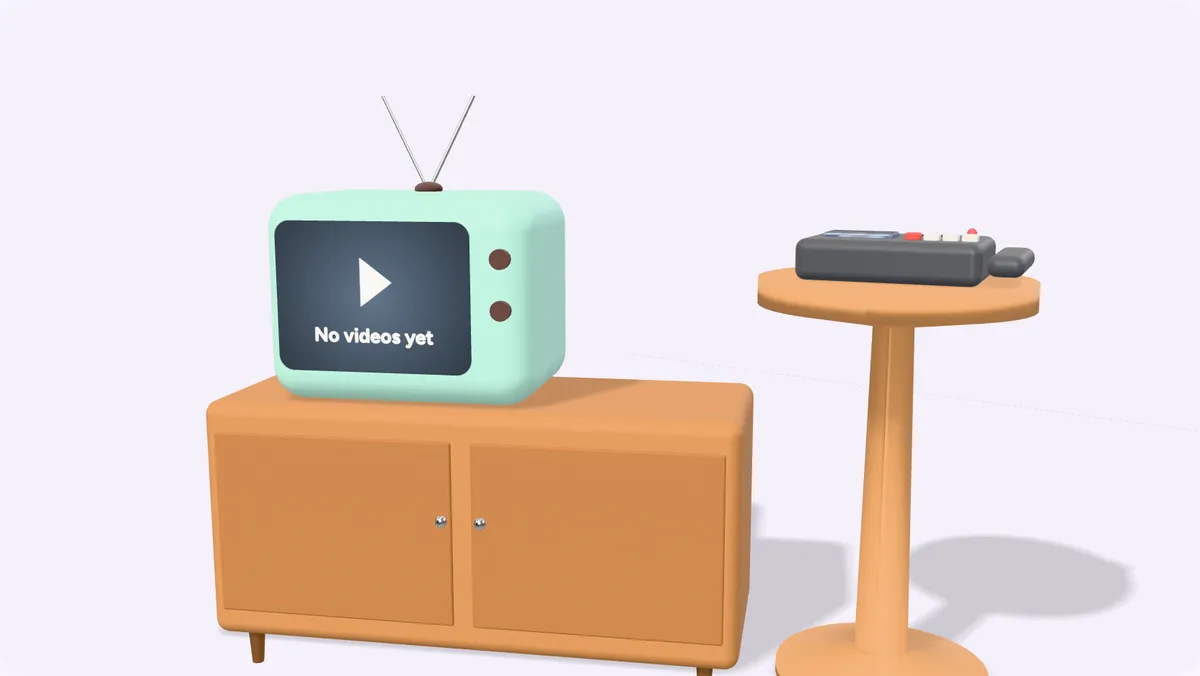
Voice & Video Messages
Hear their voice. See their face.
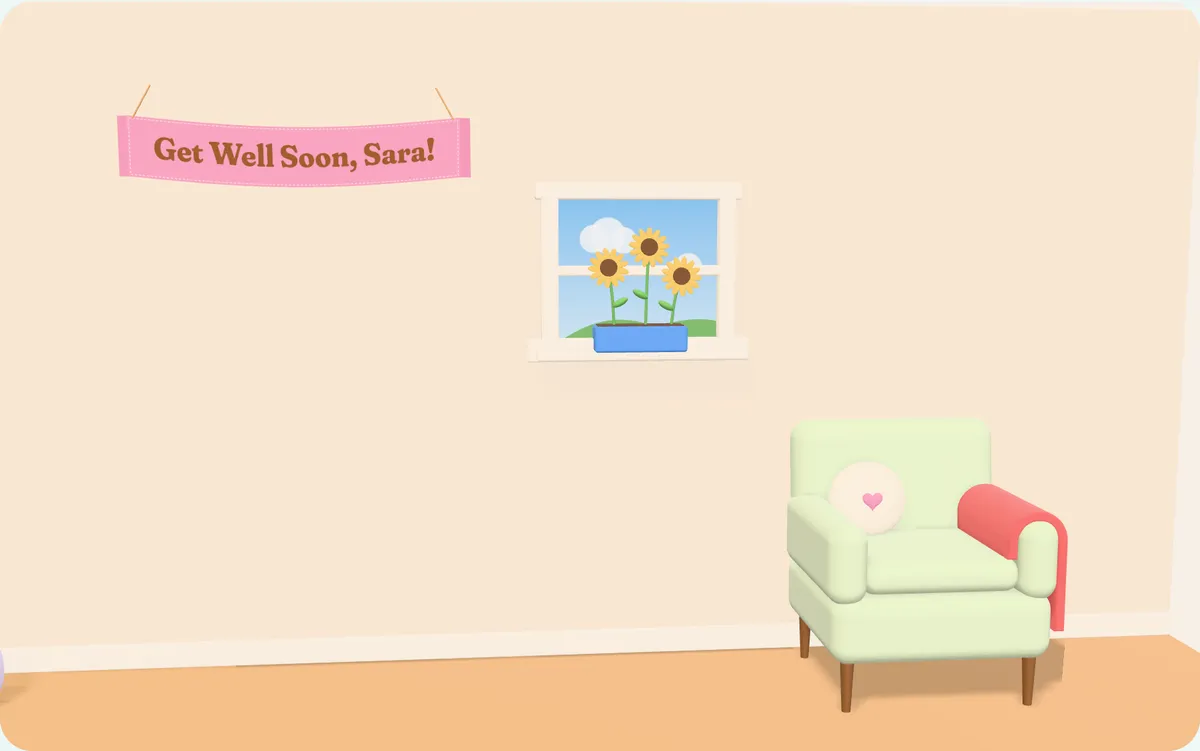
Room Decorations
Make the room feel like home, together.
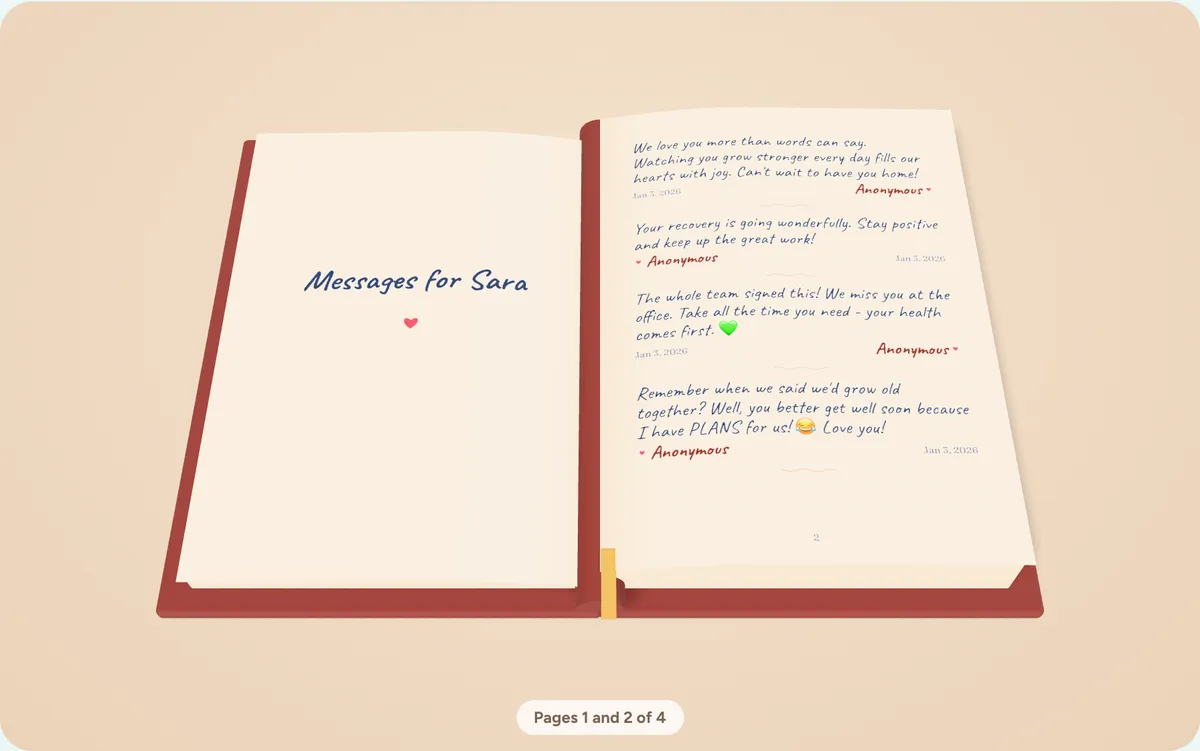
Guest Book
Sign the book, like at the door.
How modules work
- Everyone can add. Each module has its own add button and a live 3D preview, so people see exactly what they're making.
- It shows up live. New things appear for everyone looking at the room, with no refresh.
- Your name is remembered. Type it once, and it's filled in for everything else you add.
- The List and 3D views match. Whatever is on a module is in its spot in the 3D room too.
Choosing modules
A new room starts with every module switched on. From the management page you can turn any off and put the rest in order. More about module settings.