Room Decorations
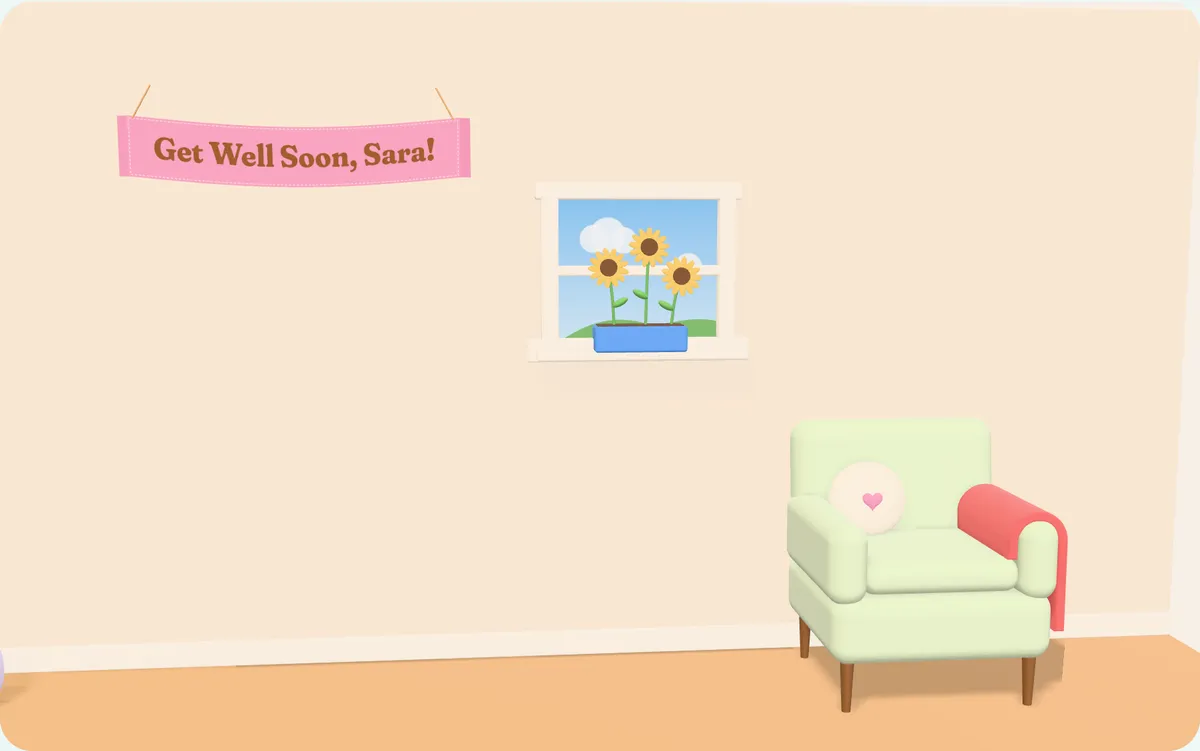
Everyone can add something cozy to the 3D room: a fireplace, string lights, a fish tank, a sleeping cat. Each decoration has its own spot, so the room fills up without getting cluttered.
Adding a decoration
- Choose "Decorate [their name]'s room".
- Pick a decoration and a color. The preview shows it where it will go.
- Add a note if you like, then your name, or add it anonymously.
- Put it in the room, in the spot where it belongs.
The choices
- In a corner: Floor Lamp, Potted Fern, and Monstera Plant.
- On the floor: Armchair and Blanket, Beanbag, Sleeping Cat, Sleeping Dog, Stack of Board Games, and Side Table and Mug.
- Against the wall: Fireplace, Bookshelf, Record Player, and Fish Tank.
- On the walls: Wall Clock, Framed Picture, Sports Pennant, and Trophy Shelf.
- On the windowsill: Sunflower Window Box, Little Cactus, and Candle Jar.
- Along the walls: String Lights and Paper Bunting.
- Over the window: Get Well Soon Banner.
- Framed Picture: shows a painting, or a photo from the room's corkboard.
- Sleeping Cat and Sleeping Dog: Ginger, Cream, Brown, Gray, Black, White, Patches, and Calico coats.
What they see
The room itself, a little more like home. Tap a decoration in 3D to read the note and who it's from. In the List view, every decoration stands in a row along one wall, and the fire, the candles, and the fish all move.
Each part of the room shows its newest decorations, and everything else stays in the List view. A room holds up to 60, and until someone decorates the corners, the floor lamp and the fern stay put.
Good for
- Long hospital stays
- Kids who want to add a pet
- A home away from home
- Small touches from a big group