Whiteboard
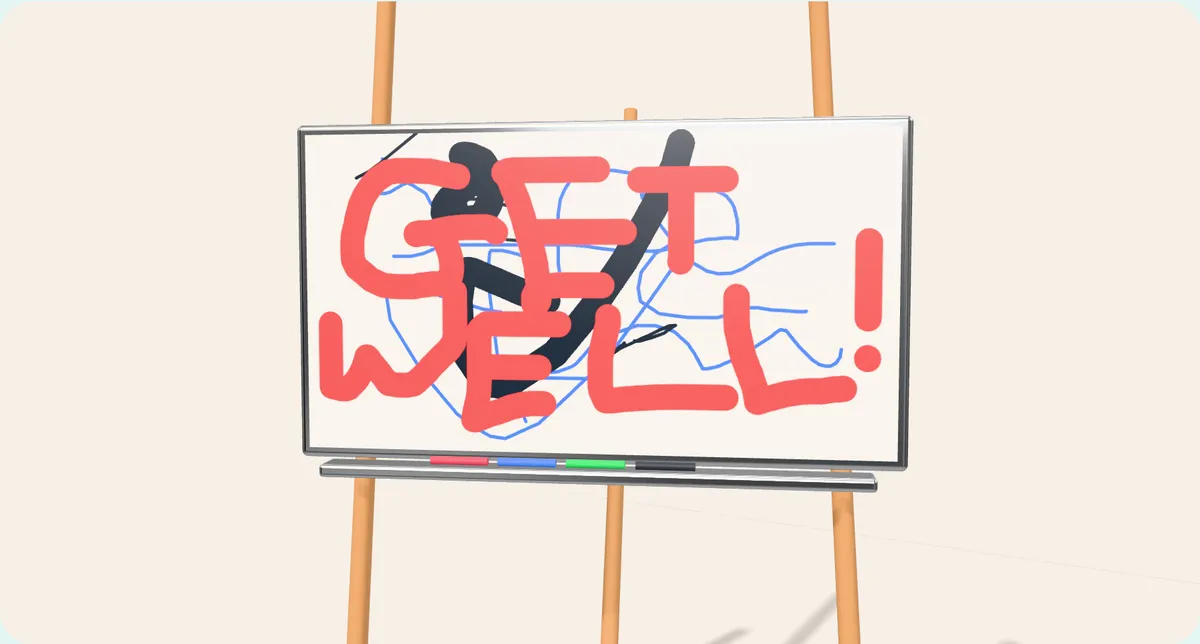
One whiteboard on an easel, drawn on by everyone. It's the same size on every screen, so a drawing lands in the same place on a phone and on a computer.
Drawing on it
- Choose "Draw" to open the board flat in front of you.
- Pick a tool and a color, and draw anywhere.
- Made a mistake? Undo, redo, or use the eraser.
- Everything you add is saved and appears for everyone straight away.
The tools
- Markers and a chisel marker, in any color.
- Spray paint, fine, medium, or wide.
- Lines, rectangles, and ellipses.
- Text, stickers, and photos you can drop onto the board.
What they see
One picture made by everyone, standing on an easel. In the 3D room the same drawing stands on the easel, and it updates stroke by stroke while people draw.
Not everyone wants to write. A wobbly sun or a stick figure giving a thumbs up says plenty, and kids love it.
Good for
- Kids who want to draw
- Classrooms and teams
- Friends who doodle
- People who would rather not write