Voice & Video Messages
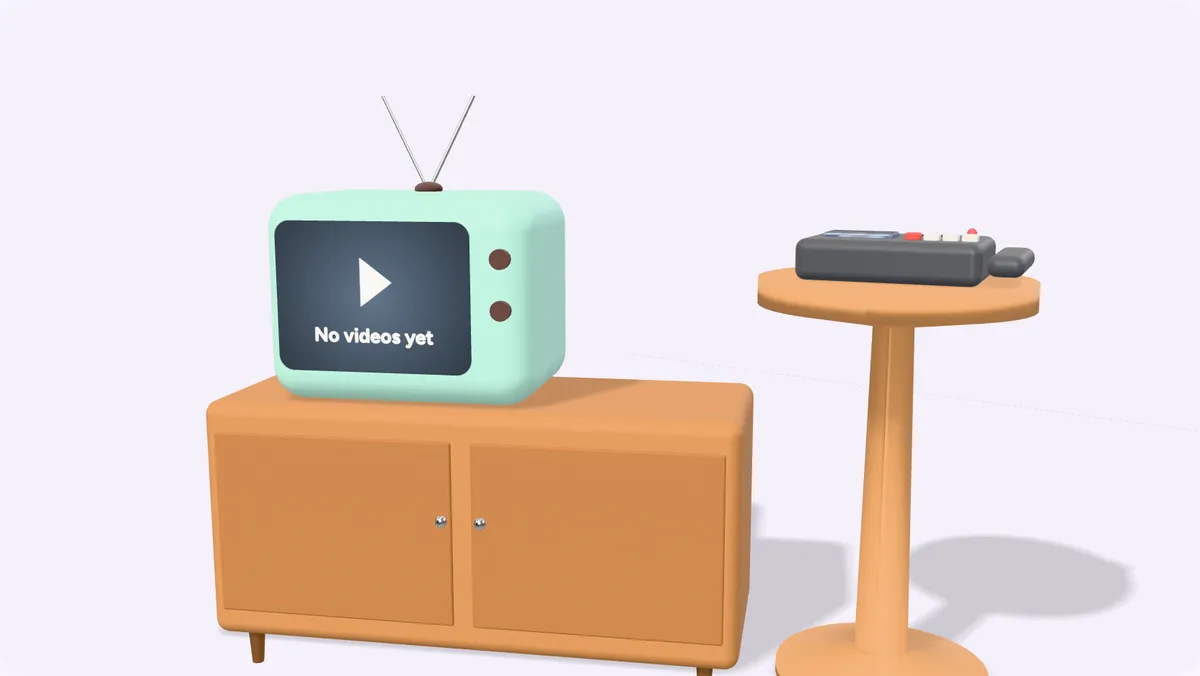
Some things are better said out loud. Record a voice memo or a short video right in the browser, and it waits for them on an answering machine or a little TV.
Recording a message
- Choose voice or video.
- Allow the microphone (and camera), wait for 3, 2, 1, and talk. You have up to two minutes; a ring shows the time left.
- Listen back, and record again until it feels right.
- Add your name, and a photo to go with a voice memo if you like.
Other ways to send one
- From your phone: on a computer, scan the QR code to record on your phone instead.
- Upload a video you already have, as an MP4, MOV, or WebM file.
What they see
Videos play on a little TV that switches on like an old set. Voice memos wait on an answering machine with a blinking light and a counter; press play and the cassette reels turn. Each one shows who it's from, with their photo. In the 3D room the TV and the answering machine sit side by side.
These are the messages people keep forever: the laugh, the "hey you", the way someone says their name. Grandparents who would rather not type love this one.
Good for
- Family far away
- Grandparents who would rather talk
- Group videos from a team or a class
- Anyone who can't visit